SWS · Sovereign Workspace Server

A secure workspace your people reach from anywhere.

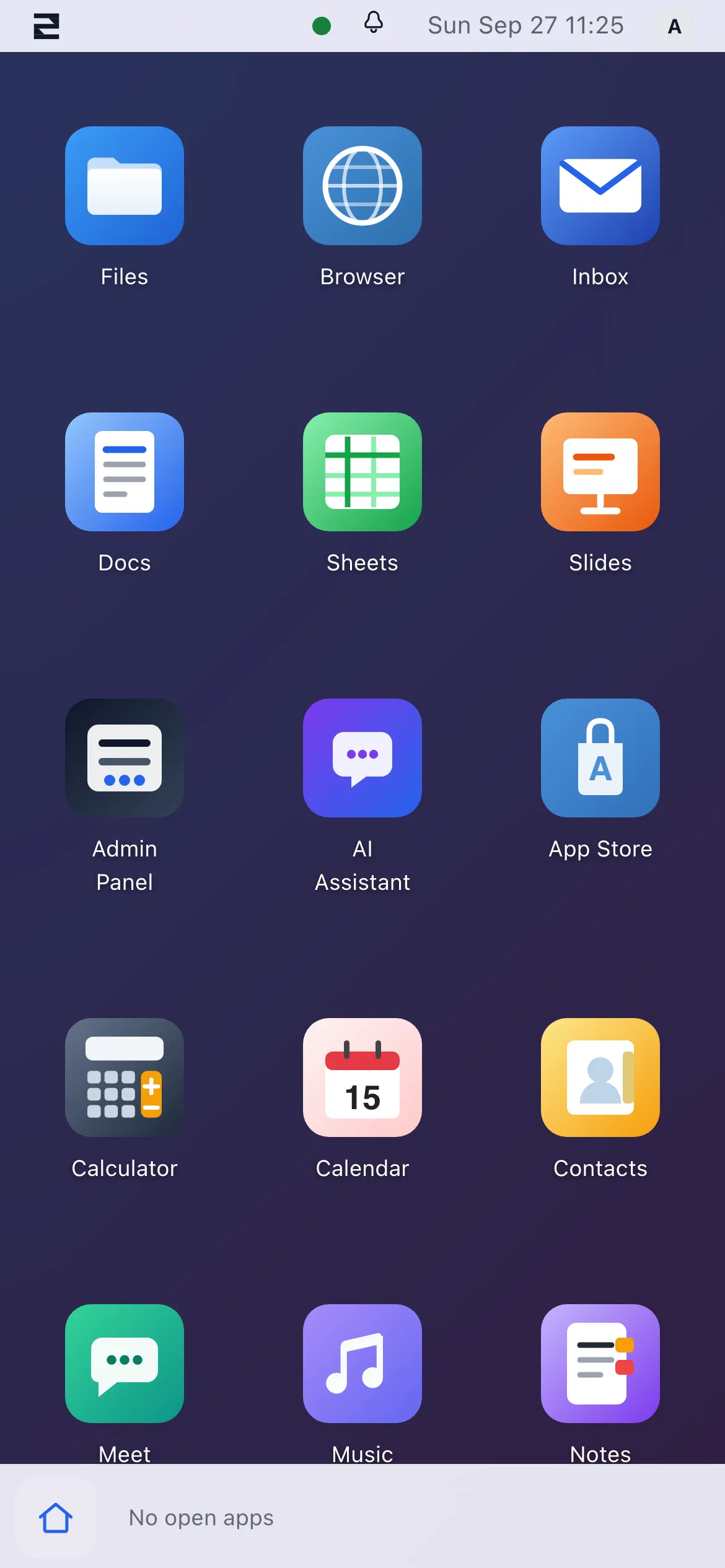
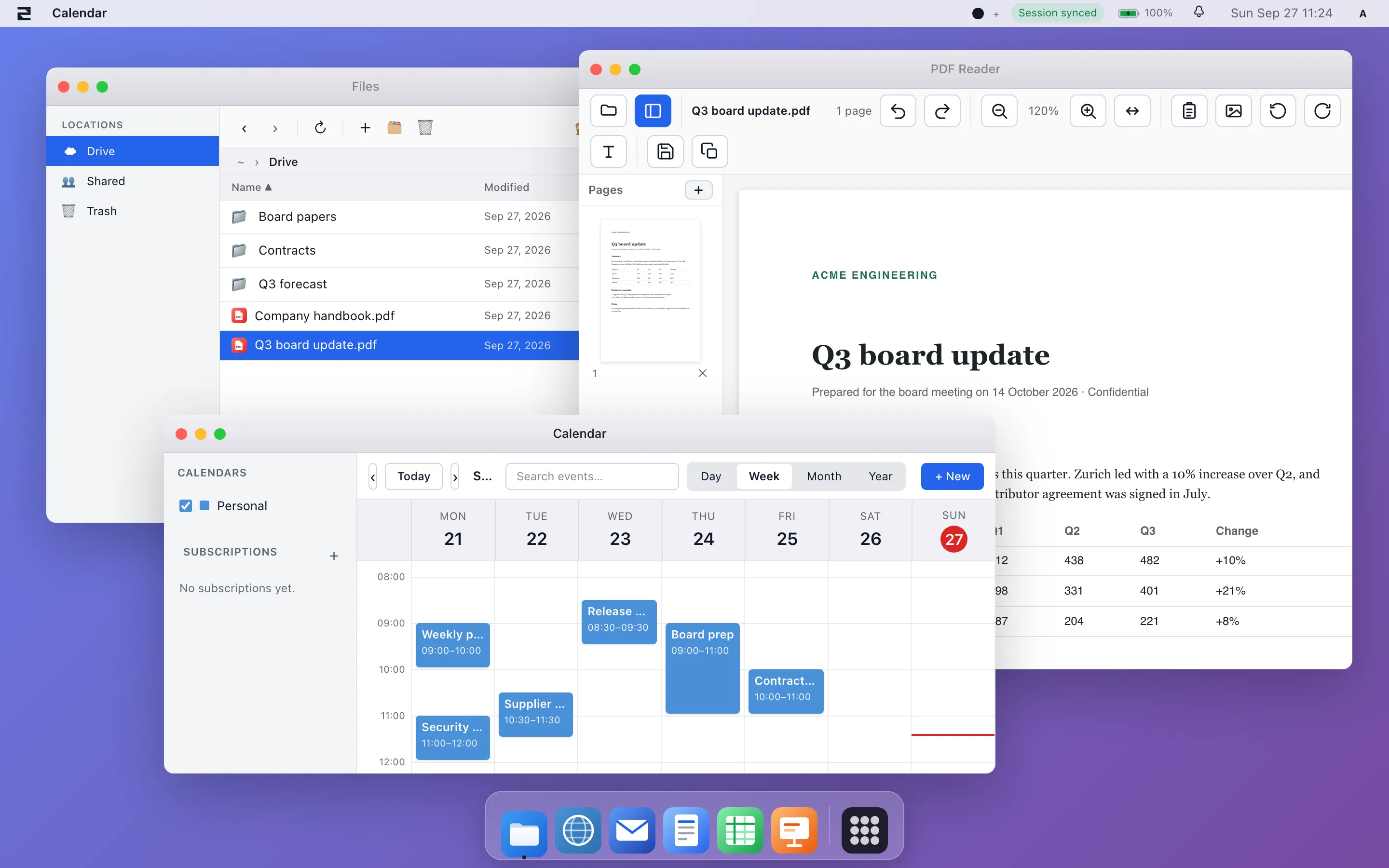
Think of it as a lightweight desktop in the browser — the files, office and apps your team knows from a Windows PC, on any device, with nothing installed on the machine. For teams that don't need native Windows software, it can replace that PC completely; for everyone else, it's a secure workspace and management server that gives vendors and remote staff a controlled way in without exposing your network.

What it is

A browser-based workspace and management server — files, office, chat and apps behind one login — for disaster recovery, vendors and selected staff who need safe remote access.

How it helps

Give contractors and remote staff a controlled way in without VPN sprawl, keep a recovery workspace ready, and run the whole thing on a server and region you choose.

The benefits

Reachable from any browser, nothing to install. One identity to grant and revoke. Your data on your infrastructure — managed or fully under your own control.

Where it earns its keep

Three jobs companies buy SWS for.

Use case What it looks like
External access
Vendors & contractors
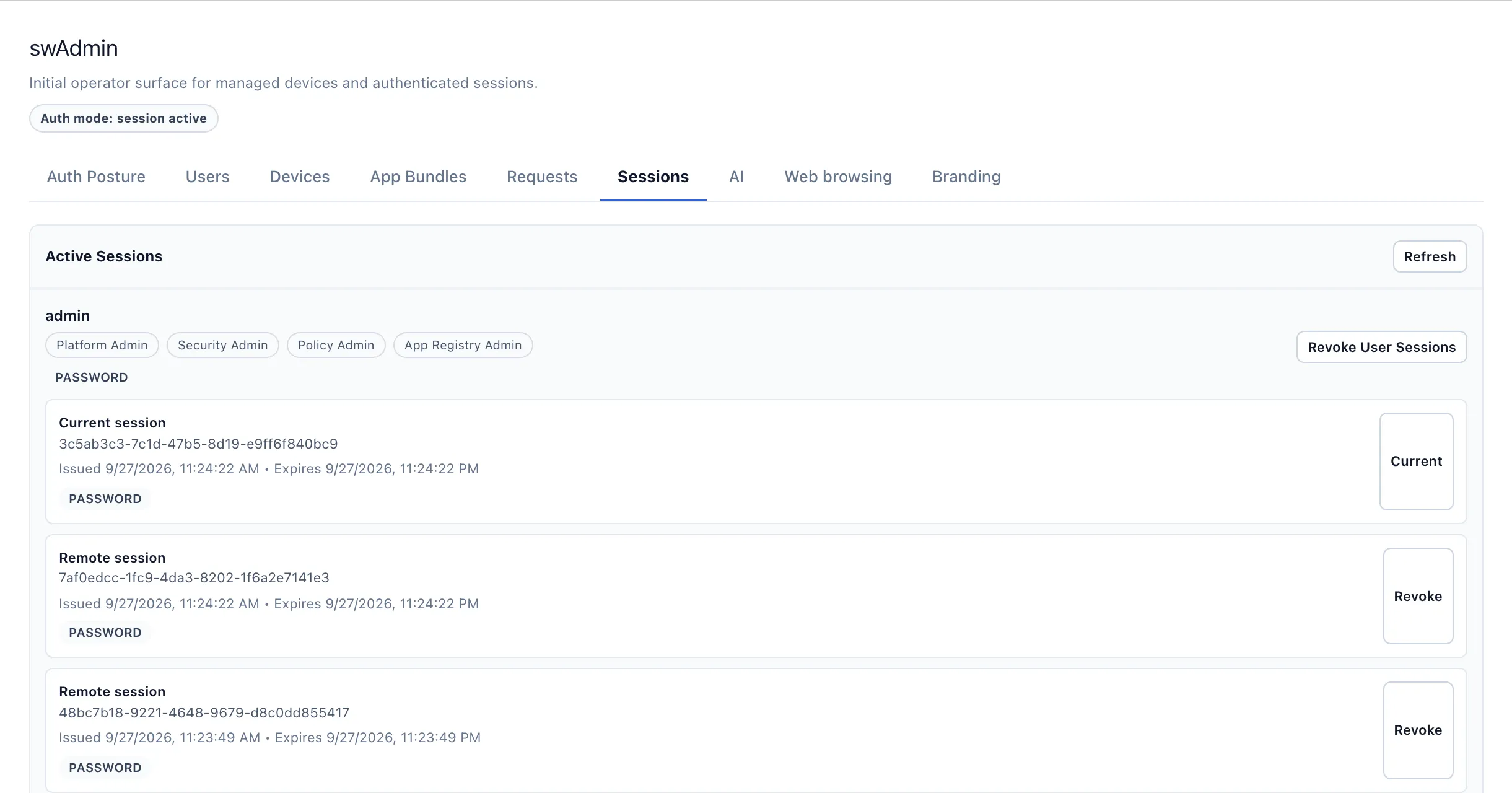
Give an outside party a workspace with exactly the files and apps they need — provisioned in minutes, revoked in one click, with no VPN client on their machine and no access to the rest of your network.
Disaster recovery
A workspace kept ready
Keep a standing workspace your team can reach from any browser if the office, the laptops or the primary systems are unavailable. Files, office editing and communication in one place from the first hour.
Remote and field staff
Any device, one login
Staff who work from unmanaged or shared devices get a full workspace in the browser, with nothing stored locally and every session tied to a single identity you control.

What's included

A full workspace, behind one login.

Capability What it means for your team
Single sign-on One identity for everything. An admin creates a user once — no second password, no per-app connection step.
Files & office Every user's drive is provisioned on first login, with real-time collaborative editing of Word, Excel, PowerPoint and OpenDocument files in the browser.
Chat, voice & video Encrypted group and direct messages, calls and group meetings — behind the same sign-on, with no separate accounts or third-party meeting links.
Mail, calendar & contacts A built-in mail client on your own mail server, plus calendar, contacts and tasks — native apps behind the same login.
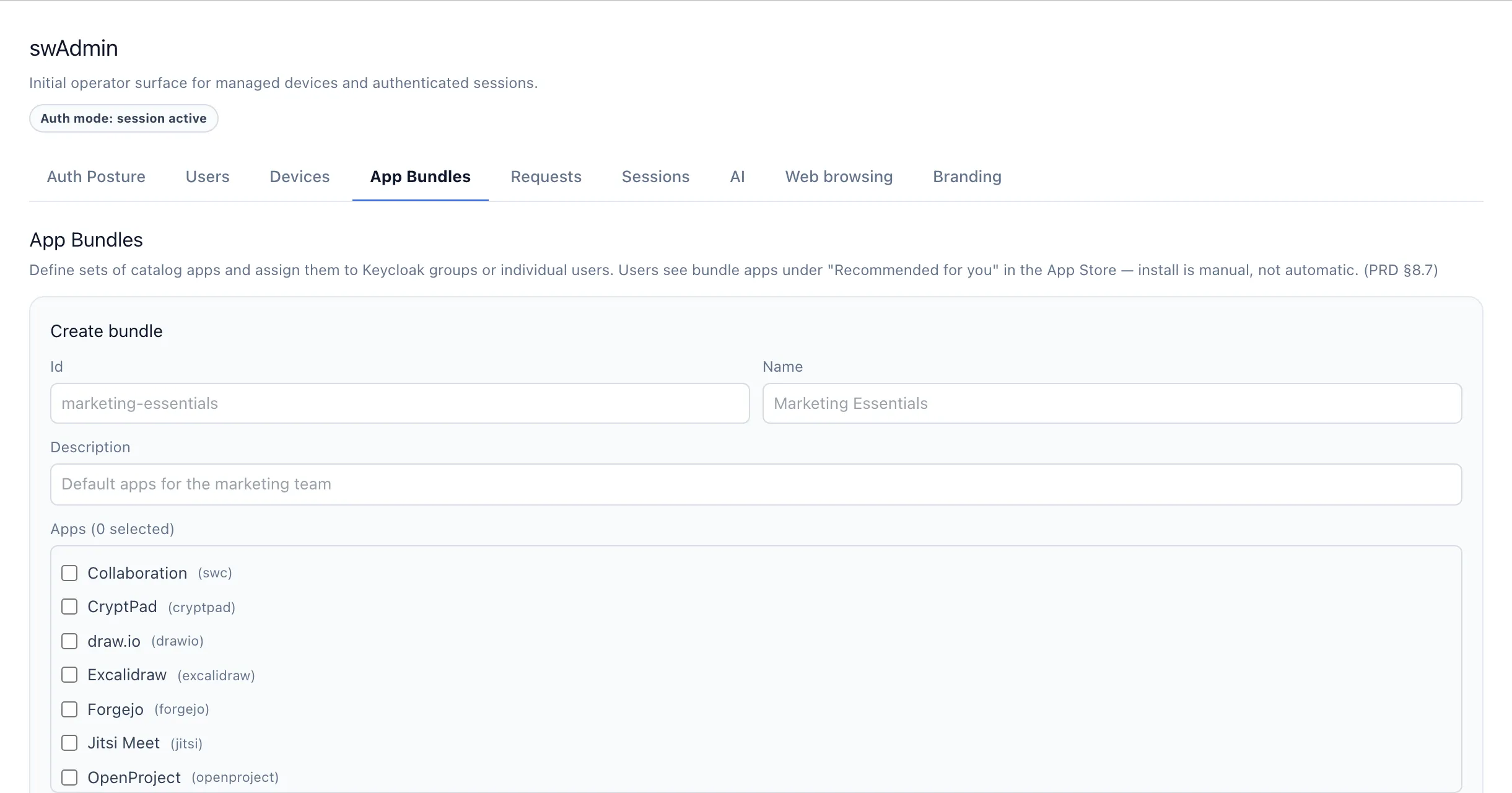
App catalogue An admin-curated catalogue of self-hostable web apps, assigned per group so each department sees only what it needs.

SWS pricing

Priced as a platform, not per seat.

SWS is licensed for the whole server rather than per user, so adding people doesn't change the price. Let us run it, or licence it and host it yourself.

Option What you get Price
Managed
We run it
We provision, host, patch and back up the server in the region you choose. You administer your users. From €199/mo
Self-hosted licence
You run it
An annual licence for your own server, with the source available to inspect and audit. You supply the infrastructure. Talk to us

Self-hosting on a small cloud server currently costs around €100–175 a month in infrastructure, depending on team size — separate from the licence.

See it in a browser — nothing to install or sign up for.

The workspace is running live. Try it, then run it yourself or talk to us about a managed plan.