Self-hosted
Run swCollab on servers you choose – your own data centre or a European provider. It sends no telemetry to us.
Confluence alternative
swCollab connects your wiki to the work: pages, databases, files, requirements and traceability on one platform. Run it on your own servers, or let us run it for you in Germany.
Self-hosted or managed in Germany. Confluence import built in.
The same swCollab runs on your infrastructure or on ours. You choose where the data lives.
Run swCollab on servers you choose – your own data centre or a European provider. It sends no telemetry to us.
We run swCollab for you in Falkenstein, Germany, with encrypted backups in Helsinki, Finland. Free during the public beta.
Both run the same swCollab. Sealed Spaces, encrypted under a key we never hold, come with self-hosting.
Moving off Confluence should not mean retyping years of documentation. swCollab reads what Confluence gives you:
Pages keep their place in the tree, their comments and their attachments. Common macros – info panels, expand, code, table of contents, status, page tree – become native swCollab blocks. Links between imported spaces keep working. A report shows what came across, and an import can be undone.
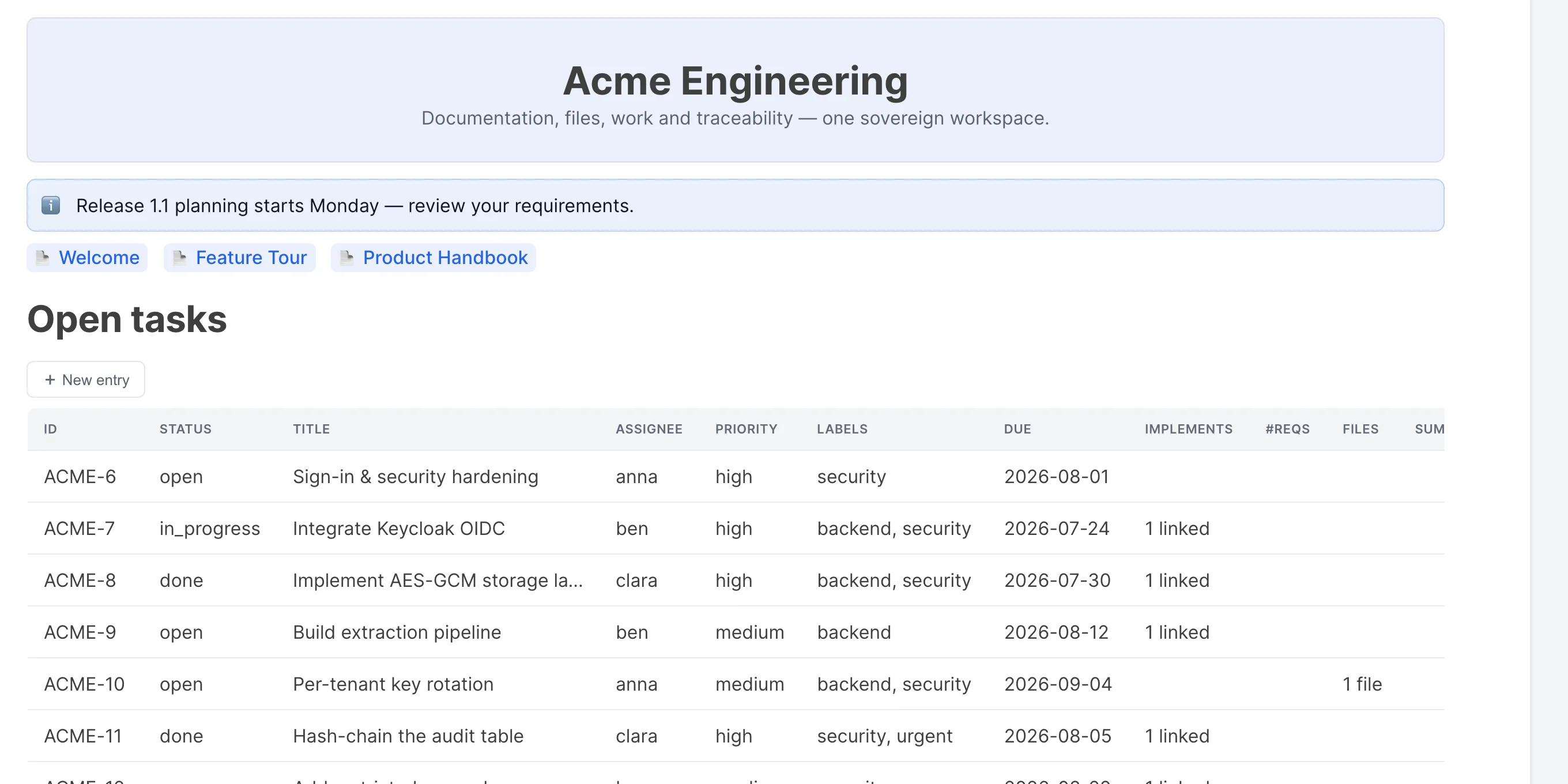
In swCollab, tasks, requirements, risks and tests live in databases next to the pages that describe them. A project page embeds the live task list; a requirement shows the tasks that implement it and the tests that verify it.
How it works
Make an XML or CSV export in Confluence, or connect swCollab to your Confluence Cloud site.
Put the export in a library of the swCollab space that should receive the pages.
swCollab lists the spaces, pages and files it found. Pick the spaces to import.
Read the import report. Undo the import if you want to try again.
Questions
Both. Run it on your own servers, or use the managed service in Germany at swcollab.cc.
The XML, CSV and HTML exports. It can also read a Confluence Cloud site directly.
The page tree, page content, comments, attachments, common macros, and the links between imported pages.
In Falkenstein, Germany, with encrypted backups in Helsinki, Finland. The data stays in Europe.
The managed swCollab, hosted in Germany, is free during the public beta on swcollab.cc.
More comparisons
Try the live demo, or start free on the managed service and import a space.